Barcode Labels: Correct Printing, Readability and Application
A practical guide to barcode standards, contrast, module width, printing methods, material selection, common application errors and a pre-production barcode checklist.
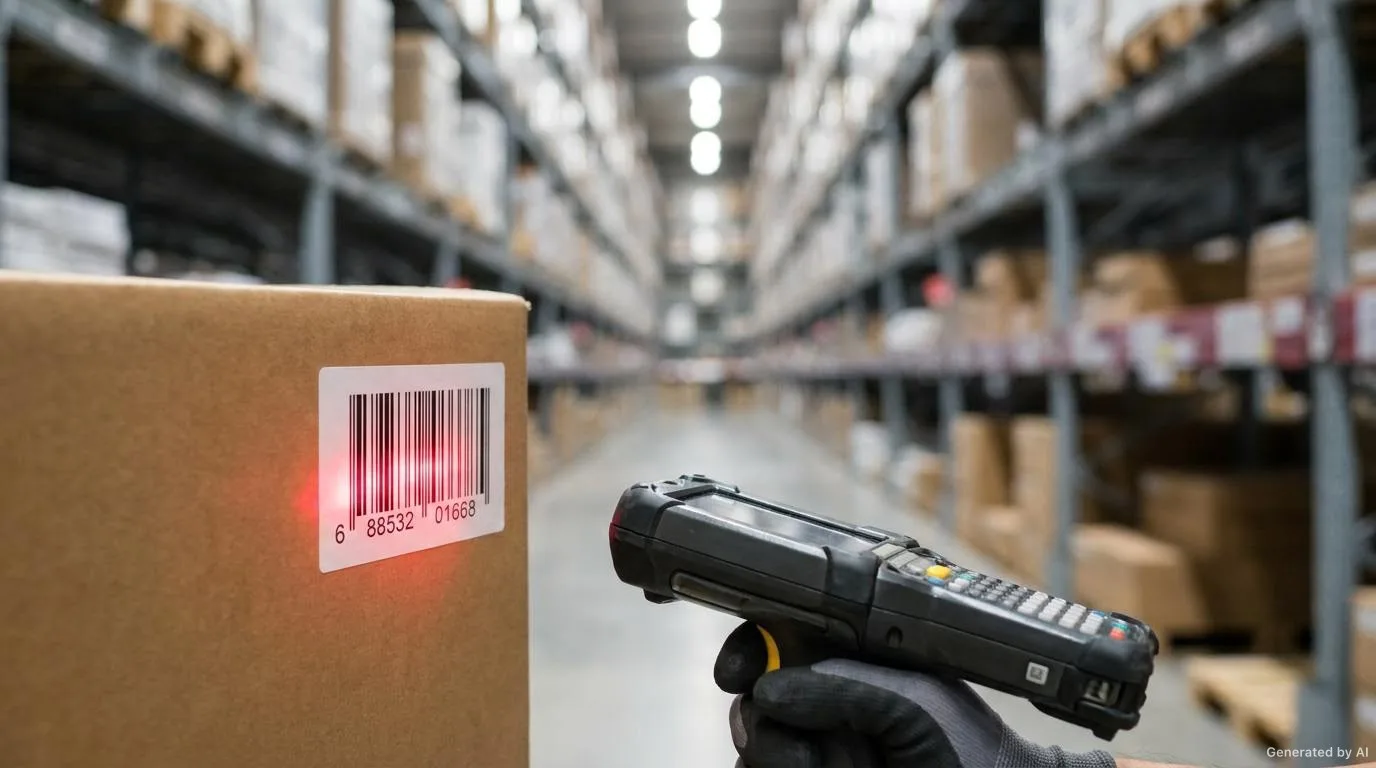
Barcode labels are the invisible yet indispensable part of modern logistics and retail. A barcode that is printed incorrectly or cannot be read can cause shipping delays, inventory errors and customer dissatisfaction. Yet because a barcode is a small technical detail with large consequences, it is often overlooked. In this article we examine the correct printing, readability and application of barcode labels from a practical perspective.
The aim is not only that the barcode looks correct on screen, but that it is read reliably on the first attempt when applied to the real surface with real reader devices. The barcode standard, the printing method, the material and the application direction should therefore be assessed as a whole.
Barcode Types and Use Cases
Barcode standards differ according to their purpose. Choosing the right standard is critical for compatibility with reader devices. The basic barcode types are:
- EAN-13 / UPC-A: 1D barcodes used for retail point of sale (POS). Intended for product identification.
- Code 128: Offers high data density, preferred in logistics and warehouse management.
- Code 39: Contains letters and numbers, used in automotive and industrial applications.
- QR Code: 2D barcode with large data capacity, readable by mobile devices.
- DataMatrix: Small size, high data capacity, used in electronics and pharmaceuticals.
You should determine the barcode type and dimensions according to your use case. While EAN-13 may be required for retail sale, Code 128 is more suitable for internal logistics. The scanner and system infrastructure to be used also influence this choice.
Retail and POS Scenario
On supermarket shelves the product is expected to be scanned in a single pass at the checkout. In this scenario the barcode orientation, placement and quiet zone are prepared according to a standard expectation. Because the label is applied to a surface that is constantly handled and turned, print durability also gains importance.
Logistics and Warehouse Scenario
For carton, pallet and shelf labels, standards that can carry denser data such as Code 128 come to the fore. These labels are usually scanned by automatic readers on fast-moving lines. The orientation and size of the barcode should therefore be planned according to the reader field of view.
Traceability and Record Scenario
In work where batch, serial number or expiry information is tracked, 2D symbols such as DataMatrix or QR Code may be preferred. Their ability to carry high data in a small area is an advantage for products with limited surface. In these scenarios, which information is carried by which symbol should be planned from the start.
Quality Factors in Barcode Printing
The readability of a barcode is directly related to print quality. The main factors to consider are:
- Contrast: There must be sufficient contrast between the barcode bars and the background. Black bars on a white background give the best result. With coloured barcodes the contrast ratio must be sufficient.
- Print resolution: Low resolution causes jagged bar edges and read errors.
- Size ratios: Each barcode standard has a specific width-to-height ratio and module width. These ratios must not be distorted.
- Quiet zone: Blank space must be left at the start and end of the barcode; this area helps the scanner recognise the symbol.
- Surface smoothness: A smooth label surface ensures that the print appears sharp.
Contrast and Colour Choice
Barcode reading is largely built on the difference between the bar and the background. A dark bar on a light background is reliable. Some colour pairs may look distinct to the human eye but may not provide the same contrast at the wavelength used by the reader. The working principle of the barcode reader should therefore be considered when choosing colours. A common choice such as black on a red background often does not create sufficient difference for the reader.
Resolution and Module Width
The narrowest line and space that make up a barcode is called the module. Print resolution determines how sharply this module is formed. If the module becomes too small, the edges blur and reading reliability drops. When reducing a barcode, therefore, not only the overall size but also the module width must be taken into account.
Comparison of Printing Methods
The printing methods commonly used for barcode labels serve different needs. The table below summarises their typical areas of use.
| Method | Typical Use | Readability Character | Points to Watch |
|---|---|---|---|
| Thermal transfer | Variable data, logistics and retail labels | High, consistent contrast | Ribbon and material compatibility should be matched |
| Direct thermal | Short-life, quickly produced labels | Sharp at first print, sensitive to heat and friction | Not suitable for long storage or outdoor use |
| Flexo printing | High-volume labels with fixed barcodes | Uniform result at high speed | Die and ink selection matter |
| Digital printing | Low-volume, variable or personalised jobs | Practical for samples and short runs | Module width should be planned with resolution |
Barcode Verification and Read Quality
After printing, checking the barcode by eye alone is not enough. It should be tested with different reader devices, at different distances and from the point of view of real use. Assessing read quality is the most practical way to prevent rescanning problems later on.
Surface and Material Selection
The material of a barcode label should be chosen according to the use environment:
- Dry indoor: Coated or thermal paper is sufficient.
- Humid or cold environment: BOPP or PET film should be preferred.
- Outdoor and UV: UV-resistant film and lamination are required.
- Chemical contact: PET or synthetic material and thermal transfer printing are recommended.
The Role of Adhesive Choice
For a barcode to stay readable over time, the label must stay fixed on the surface. The adhesive should be assessed together with surface energy, temperature and humidity. On low-energy plastic surfaces a standard adhesive may drift or lift over time. This distorts the barcode angle and makes reading harder. The right adhesive choice directly extends the life of the barcode.
Material Notes for Harsh Environments
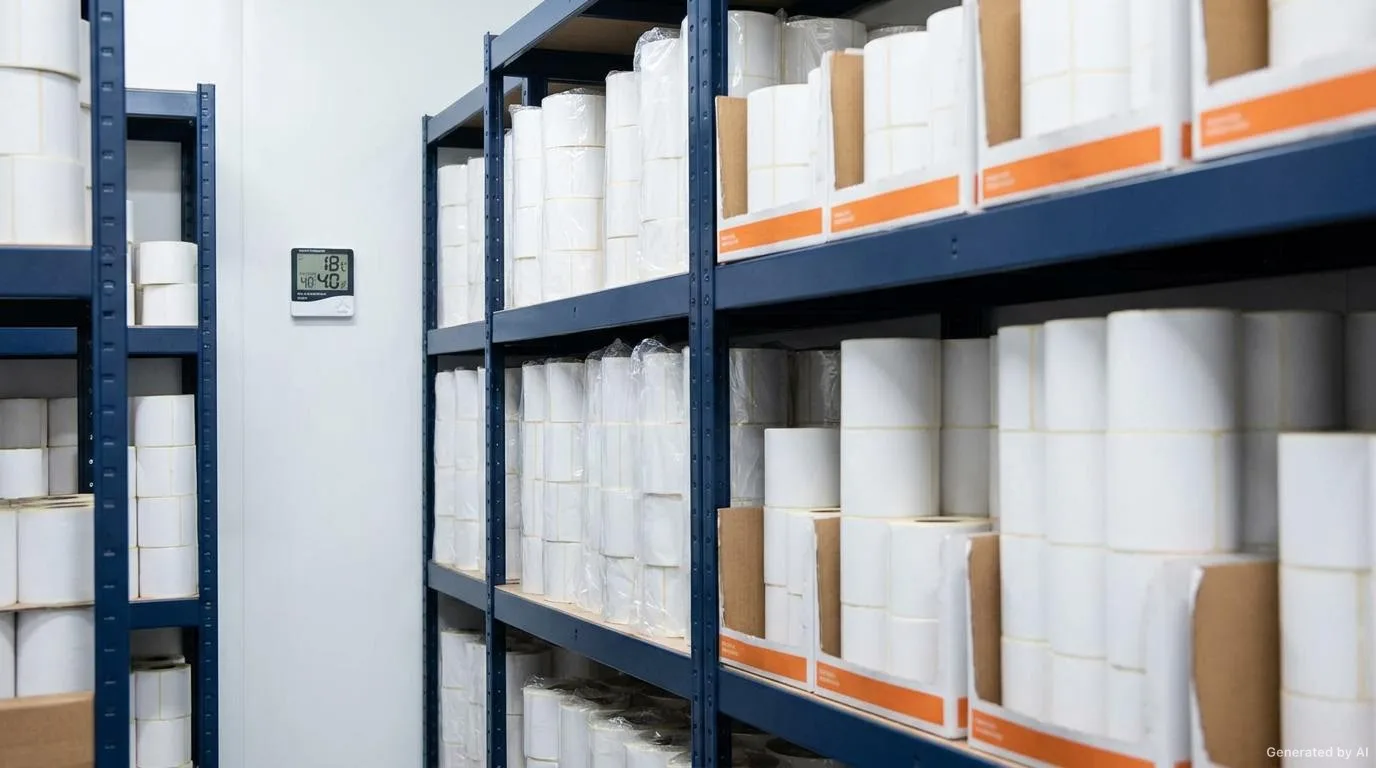
In environments such as cold storage, open areas or production lines exposed to chemicals, material selection determines the continuity of the barcode. Under such conditions the material, the adhesive and, if necessary, a protective top layer should be planned together. Sharing the environmental conditions from the start makes it easier to choose a suitable combination.
Points to Watch During Printing and Application
Labelling Line and Application Direction
The orientation of the barcode should be set according to the line on which the label is applied and the position of the reader. On an automatic application line, the axis on which the barcode arrives affects whether the reader captures the symbol on the first attempt. The application method should therefore be clarified at the design and production stage.
Surface Preparation
The cleanliness, dryness and freedom from dust of the surface to be labelled directly affect adhesion quality. On surfaces with dust, oil or moisture residue the label can lift quickly and the barcode angle can be distorted. Checking surface conditions before application is far more economical than later corrections.
Common Application Errors
- Incorrect sizing: Shrinking or enlarging the barcode too much reduces the read rate.
- Insufficient contrast: Light colours or patterned backgrounds make reading difficult.
- Wrinkled or damaged label: Wrinkles during application corrupt the barcode.
- Wrong orientation: Whether the bars are vertical or horizontal relative to the application direction affects reader performance.
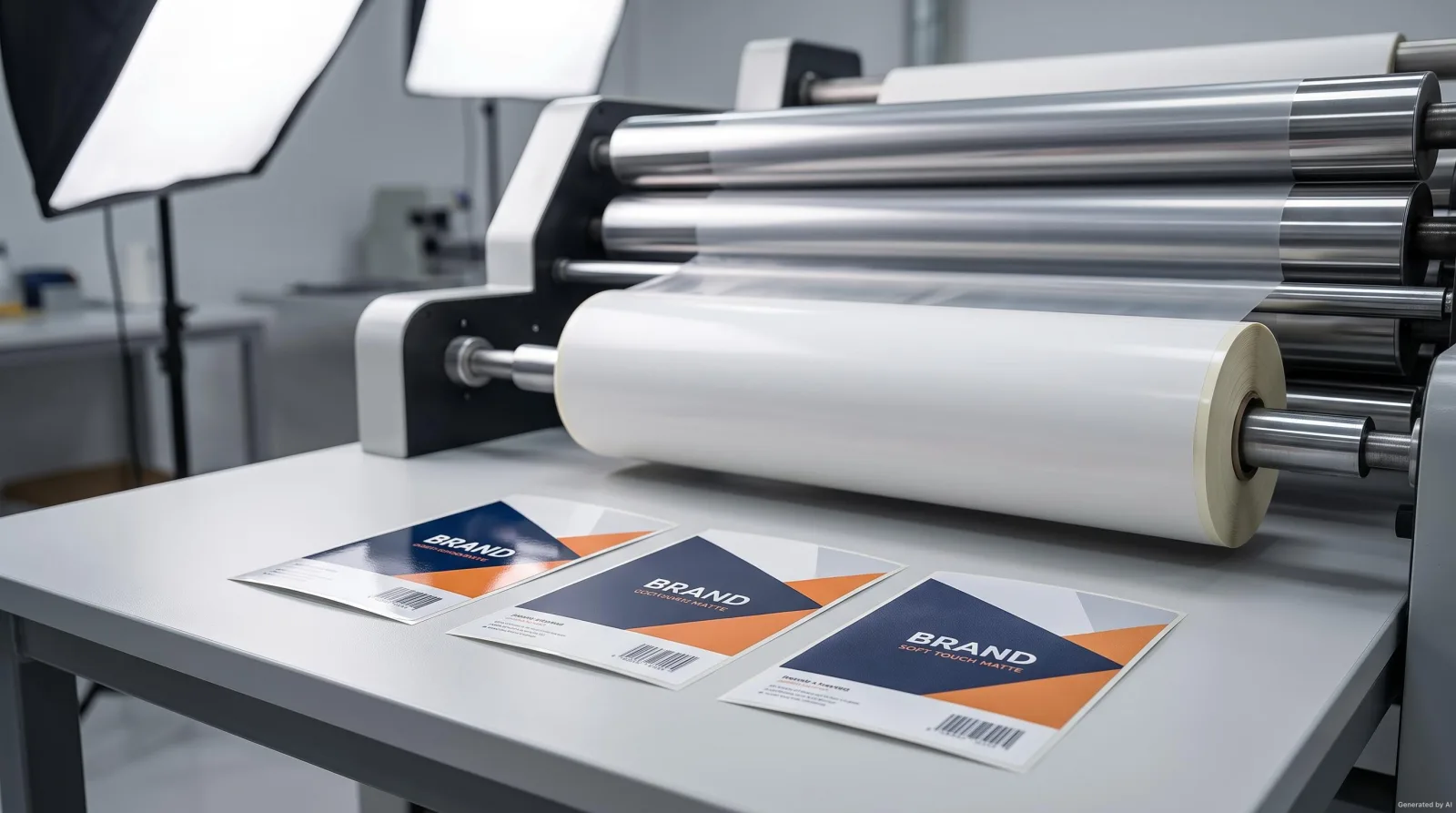
- Lamination glare: Lamination that creates glare can prevent scanners from reading.
- Quiet zone violation: Text or graphics spilling around the barcode leads to read errors.
To examine the relationship between colour and readability in more detail, see colour and readability in label printing; for a comparison of printing methods, see thermal transfer and direct thermal printing.
Pre-Production Barcode Checklist
- Is the barcode standard and its dimensions suitable for the purpose?
- Is the contrast ratio sufficient (ideally black on white)?
- Are print resolution and module width at a readable level?
- Is the quiet zone preserved?
- Has a test print been taken and verified with more than one scanner?
- Is the surface clean, flat and dry?
- Is the application direction suitable for the reader device?
- Does the lamination avoid glare?
- Are the material and adhesive suitable for the environmental conditions?
- Has the barcode been tested end to end in the inventory or sales system?
Conclusion
The key to success with barcode labels is choosing the right standard, high-quality printing and a material suited to the environment. Verifying the barcode before production prevents costly errors in the supply chain. A well-planned barcode both speeds up daily operations and reduces returns and the need for manual intervention.
We can assess together which barcode standard and material would suit your own products. Sharing your reading environment and the devices used makes it easier for us to identify the most suitable combination. To discuss suitable barcode and label solutions, reach us through our our label solutions page.
Frequently Asked Questions
Why can a barcode not be read with low contrast?
Readers work on the difference between the bar and the background. A dark bar on a light background is reliable; coloured or patterned backgrounds reduce this difference and can cause read errors.
How does module width affect barcode readability?
The module is the narrowest line and space that make up the barcode. If the module becomes too small the edges blur and reading reliability drops. When reducing a barcode, not only overall size but also module width must be considered.
What is the quiet zone and why is it needed?
The quiet zone is the blank space left at the start and end of the barcode. It lets the scanner distinguish the beginning and end of the symbol. If text or graphics spill into this area, read errors can occur.
Which material should be chosen for a barcode label?
The choice should follow the use environment. Coated or thermal paper may be enough for a dry indoor setting, while film materials such as BOPP or PET with a suitable adhesive should be preferred for humid, cold or outdoor conditions.
Want to Determine the Right Label for Your Product?
Share your usage area and needs with us; let's evaluate suitable options together.