QR Code Labels: Use Cases and Design
What is a QR code, how does it differ from a barcode, and when should you choose one on a label? This guide covers use cases, design rules (module size, quiet zone, contrast, error correction) and verification.
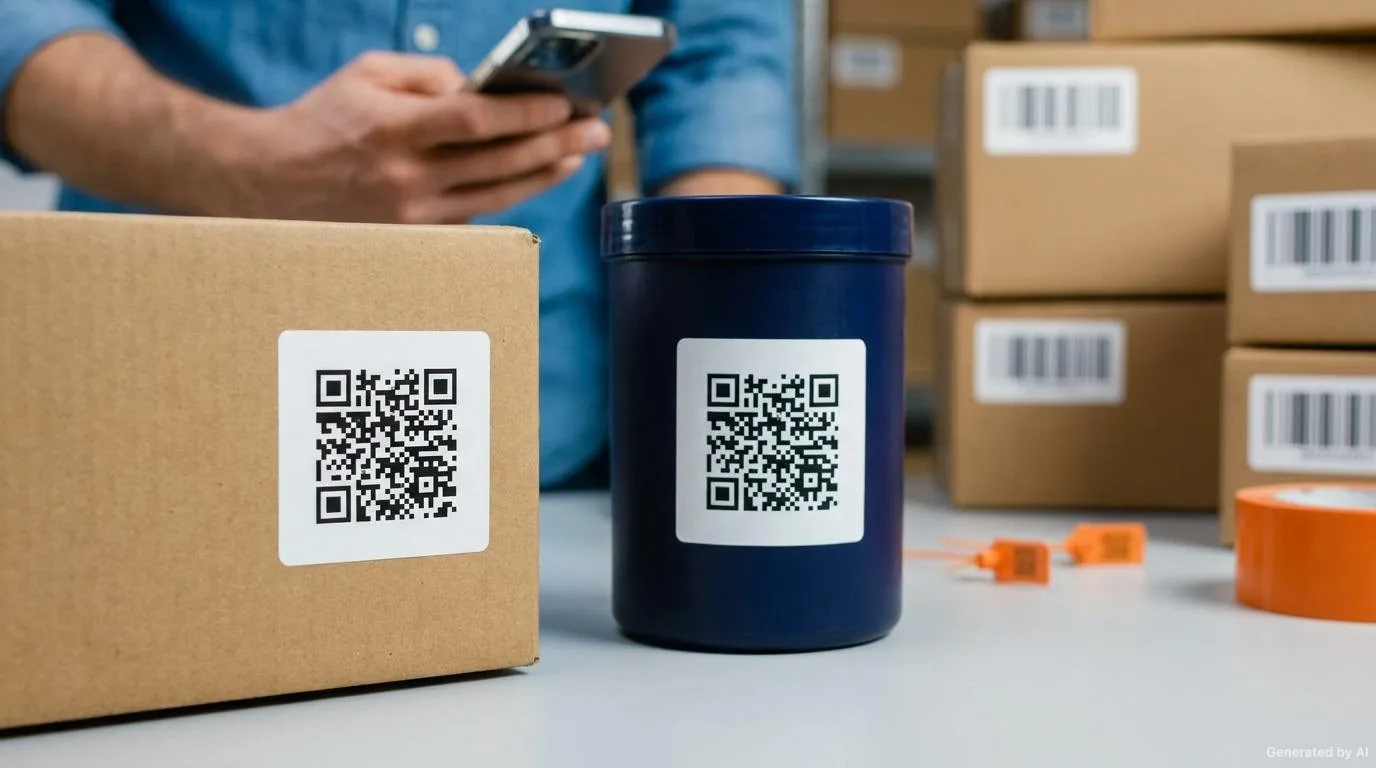
QR code labels let a square matrix code printed on a product or package be scanned with a phone to reach a web page, a verification screen or an information record. While a one-dimensional barcode carries only a short number, a QR code can hold far more data and is readable with a camera. This guide explains how QR codes are used on labels, how they differ from barcodes, the design rules and the verification steps.
What Is a QR Code? A Short Technical Overview
A QR (Quick Response) code is a two-dimensional (2D) matrix code developed in Japan in 1994. It is printed as a grid of dark square modules on a light background. The large square patterns in three corners (finder patterns) let a reader recognise the code quickly from any angle.
A QR code can carry data in numeric, alphanumeric, byte (text/URL) and kanji modes. Its ability to hold hundreds of characters, depending on size, makes it far more flexible than a barcode. The more data it carries, the higher the module count (and version number) grows, which means the modules become smaller within the same physical area.
Structure and Error Correction Levels
A standard QR code has these basic components:
- Finder patterns: the square patterns in three corners that set the code's position and orientation.
- Data modules: the squares that carry the actual information (URL, number, text).
- Alignment patterns: small patterns that improve reading stability in larger codes.
- Quiet zone: the blank frame that must be left around the code.
- Version and mask information: metadata that lets the reader decode the code correctly.
One of the QR code's strongest features is error correction: even if part of the code is damaged, soiled or covered by a logo, the data can still be read. There are four levels, each allowing roughly this share of the data to be restored:
- L (Low): about 7% recovery.
- M (Medium): about 15% recovery.
- Q (Quartile): about 25% recovery.
- H (High): about 30% recovery.
The higher the level, the more redundant modules are added, which makes the code larger. If the label surface is exposed to abrasion, grease or moisture, or if a logo will be placed in the centre, the Q or H levels are preferred. In a clean, controlled environment, M is usually enough for standard reading.
The Difference Between a Barcode and a QR Code
Both technologies transfer data to a machine, but their structure and purpose differ.
| Feature | One-dimensional barcode | QR code (2D) |
|---|---|---|
| Structure | A series of horizontal lines | A square matrix (grid) |
| Data capacity | Usually a short numeric or alphanumeric code | Hundreds of characters; URL, text, number |
| Reader | Laser scanners are common | An imager (camera) is required |
| Reading direction | Requires a specific direction/line | Readable from any angle |
| Damage tolerance | Low; if a line is broken it cannot be read | High; restored by error correction |
| Typical use | Checkout, warehouse, fast price reading | Product info, traceability, digital redirect |
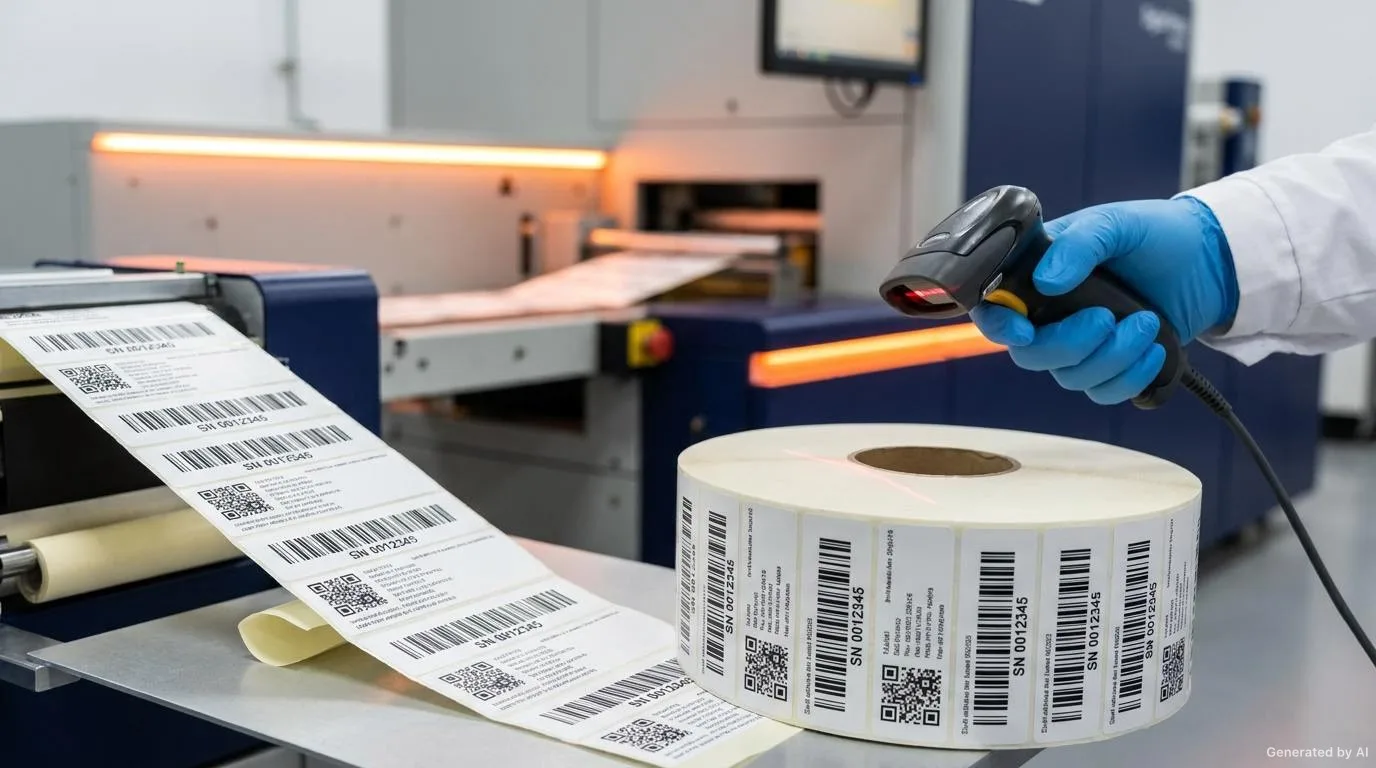
In short, a barcode is advantageous in speed and cost, while a QR code comes to the fore when more data and a digital redirect are needed. On many labels both are used together: the barcode for fast scanning, the QR code for presenting information to the end user.
When Should You Choose a QR Code?
A QR code is a good choice when at least one of these needs applies:
- You want the label to redirect to a web page, a video or a verification screen.
- The data to be carried exceeds barcode capacity (a long URL, a long serial number, text).
- The code must be robust against abrasion, soiling or partial covering.
- The end user (consumer) will read it with a phone.
- Label space is limited and a single code needs to do more.
If, by contrast, only a fixed short number is needed that a warehouse scanner reads very fast, the classic barcode remains the most practical solution. For correct barcode printing, our article Barcode Labels: Correct Printing and Readability is a useful guide.
Use Cases for QR Code Labels
Putting a QR code on a label turns a printed surface into an interactive one. Common use cases are:
- Product information and page redirect: a user manual, ingredient list, allergen or care information can be carried behind the code, leaving the limited label area to the brand and essential details.
- Traceability and logistics: production lot, shipment or supply-chain information can be read quickly via QR. Used alongside a barcode in warehouse and distribution, it allows richer records. See Barcode Labels in Logistics and Warehouse Processes.
- Digital product passport: origin, material composition, recycling or repair history can be presented through the QR code and remain accessible throughout the product's life cycle.
- Warranty, activation and loyalty: product activation, warranty registration or point collection can be started with the QR code; the label becomes both information and interaction.
- Events and marketing: on tickets, invitations or campaign labels, the QR code is used for unique verification, a coupon or a redirect. Giving each code different data increases security against copying.
QR Code Design Rules
A QR code's readability is decided at the design stage. The following parameters should be evaluated together.
| Parameter | What it does | Practical approach |
|---|---|---|
| Data length | Sets the code's version and module density | Prefer a short or shortened URL |
| Module size | The physical size of each square | Very small modules vanish in print; leave enough size |
| Quiet zone | The blank frame around the code | Leave flat background on all four sides; place no text or lines |
| Contrast | Dark module / light background ratio | Dark code on a light background; avoid inverted colours |
| Error correction | Recovery capacity | Choose Q or H if there is abrasion or a logo |
| Surface and lamination | How light is reflected | Glossy coating glares in camera flash; a matte surface is safer |
Module Size, Print Size and Quiet Zone
Module size is the most critical print parameter of a QR code. The smaller the modules, the higher the risk that they merge through ink spread (dot gain) in printing. The code should therefore be planned large enough with the printing method and reading distance in mind. The required minimum physical size depends on the printing technology, the surface and the reader's camera, so it must always be tested on a sample.
A blank area proportional to the module width (the quiet zone) must be left around the QR code. This area lets the reader separate the code from the background. Placing text, a logo or a frame in the quiet zone makes reading harder.
Contrast, Colour and Surface
A QR code expects dark modules on a light background. If a brand colour is used, there must be a strong tonal difference between the module and the background. Inverting the rule (light module, dark background) can cause problems on some readers and should be tested if required.
Camera reading is sensitive to light reflected from the surface. Glossy lamination or glossy film surfaces can glare at an angle and make the code unreadable. Matte surfaces and matte lamination are more reliable, especially for handheld and phone reading.
Readability Testing
After printing, the code should be tested in real conditions: with different phones, under different lighting and at different distances. If a code scans in the studio but not under warehouse lighting, the design has not passed the field test.
Variable QR Codes
It is possible to print a different QR code on every label. Such codes, carrying a unique serial number, a unique URL or a verification code, are ideal for product-level traceability, event-ticket verification or one-time campaign links. With variable QR, the data file, skipped-sequence control and post-print verification are critical. For details, see our article Variable Data Printing and Serial-Numbered Labels.
Printing and Verification
The QR code can be printed in the same job as the rest of the label content. What matters is monitoring print quality so the code stays readable and then verifying it. The verification steps are:
- A sample code from the first roll should be scanned with several readers.
- During printing, check for ink spread (blur) at the code's edges.
- If variable QR is used, each code should be compared with the expected record.
- Unreadable codes should be marked and voided.
Common Mistakes
Common problems with QR code labels include:
- Printing the code too small and merging the modules.
- Narrowing the quiet zone or placing text on it.
- Using low-contrast or inverted colours.
- Not testing glossy lamination under flash reading.
- Putting a large logo in the centre and leaving error correction insufficient.
- Using a long URL and needlessly increasing the module count.
- Not performing a post-print scan test.
A Practical Checklist
When designing a QR code label, you can review these points:
- Is it clear where the code leads (URL/action)?
- Does the data length fit the smallest required code size?
- Is the module size large enough for the printing method?
- Is the quiet zone preserved on all four sides?
- Is the contrast sufficient and the colours not inverted?
- Does the error correction level (L/M/Q/H) suit the conditions?
- Was the surface/lamination tested for glare?
- For variable QR, were data and sequence checked?
- Is a post-print scan verification planned?
A Realistic Use Scenario
A cosmetics brand wants to add a QR code label to the packaging of its new line. The code will present the ingredient list, usage tips and recycling information on a landing page. The brand's priorities: the code must stay readable on the small package and must not glare because of matte lamination.
The team uses a short redirect address to reduce the data length and lower the module count. The code is placed large enough on the package with free space on all four sides. The error correction level is raised because a small logo can be placed in the centre. Sample labels are tested with different phones and under store lighting; serial production starts only once the read rate is sufficient. This way, the digital connection is verified before the product reaches the shelf.
Conclusion and Actionable Recommendations
QR code labels connect a printed surface to a digital experience; product information, traceability and interaction gather in a single code. The secret of success lies less in the technology than in design discipline: sufficient module size, a preserved quiet zone, correct contrast, a suitable error correction level and a non-glaring surface.
In practice, it is advisable to keep the data length short, to test the code on a sample under real conditions and not to skip post-print scan verification. To avoid design mistakes, our article 10 Common Mistakes in Label Design is a useful guide. You can browse suitable material and label options on our products page.
A Quote Tailored to You
For your QR code label needs, simply share your quantity, what the code should lead to, the material and your reading conditions. Our team will assess your design and the printing method and get back to you. Click here to request a quote.
Frequently Asked Questions
What is the main difference between a QR code and a barcode?
A QR code is a two-dimensional matrix code: it carries more data, is read by a camera from any angle and includes error correction. A barcode is one-dimensional, usually carries a short number and is read by a laser.
What do QR error correction levels mean?
The L, M, Q and H levels let the code recover roughly 7%, 15%, 25% and 30% of damage. As the level rises, more redundant modules are added and the code grows larger.
Why does a QR code fail to scan?
The most common causes are a module size that is too small, a narrow quiet zone, low contrast, glossy lamination reflecting light, and inverted colours.
How large should a QR code be on a label?
The required size depends on the printing method, the surface and the reading distance. Rather than a fixed figure, the code should always be tested on a sample label under real conditions.
What is a variable QR code?
It is a QR code that carries different data on every label (a unique serial number, a unique URL or a verification code). It is used for product-level traceability, event-ticket verification or one-time campaign links.
Want to Determine the Right Label for Your Product?
Share your usage area and needs with us; let's evaluate suitable options together.