10 Common Mistakes in Label Design
Illegible text, low contrast, wrong dimensions, faulty barcode and other design mistakes. The technical background, prevention methods, a comparison table and a checklist for each.

Label design is a critical element that determines the first impression of a product. However, many brands make repetitive mistakes in label design. These mistakes can lead to illegibility, low sales and production problems. In this article, we will cover 10 common mistakes in label design and how to prevent them.
Most label design mistakes do not come from one large error but from the accumulation of small details. A small font choice, a numerical dimension error or an overlooked colour profile can turn into work that is hard to reverse at the printing stage. The design process should therefore be run with the realities of production and application in mind from the start. Below you will find ten common mistakes, each with its technical background, a practical way to prevent it and a selected scenario.
Why Do Mistakes Repeat?
Label design is a field where marketing, graphics and production intersect. A designer delivers work that looks good on screen, while the production side works within the constraints of material, cutting and printing. When a common technical language is not established between the two sides, seemingly harmless decisions become problems in production. In addition, when the same design is copied onto different products or sizes, proportions and legibility are not re-evaluated. The points listed here are the mistakes most often seen in the field and the easiest to prevent.
1. Illegible Text
Text written with very small or thin fonts cannot be read by consumers. Critical information such as ingredient lists, expiration dates and usage instructions must be readable. Prevention: Set minimum font sizes and test text from different distances.
How to Set the Minimum Font Size
Font size is a functional decision, not only an aesthetic one. Think about the typical distance at which the label will be read: a quick glance on a shelf, holding it in hand to inspect it, or reading on a small box all create different requirements. Set a comfortably legible lower limit for critical information, and you may approach that limit for secondary text. Thin and light font weights disappear at small sizes, so prefer more distinct font cuts for small text. Testing the text both on screen and in real print, both up close and a few steps away, is the most reliable method.
2. Low Contrast
Low contrast between text and background colours significantly reduces readability. White text on a light grey background or dark text on a dark colour is especially problematic. Prevention: Check the contrast ratio, use light colours on dark backgrounds or vice versa.
Balancing Contrast and Legibility
Contrast is the tonal difference between text and background. Low differences, such as white on light grey or dark purple on dark blue, reduce legibility in print and under different light conditions. You do not have to abandon the brand colours entirely to achieve this balance; darkening the background tone or adding a thin outline to the text helps. The scattering of light on matte surfaces and reflection on glossy surfaces affect the perception of contrast, so the sample should be assessed under different lighting.
3. Wrong Dimensions
Label dimensions that do not fit the surface cause cutting, overflow or wrinkling. Prevention: Measure the product surface correctly and scale the design to the surface. Leave bleed.
Checking the Dimensions
The dimension decision should be taken on the real surface of the product. Note the narrowest and widest points of the product, its curvature and any seam or closure allowance. Because the label may swell after filling, it is worth measuring the product when it is filled and closed as well. A millimetre-level deviation in the digital file can return as trimming or overflow in production, so verifying the dimension several times and preferably by different people is useful.
4. Insufficient Margin
Text and visuals placed too close to label edges can be damaged during cutting or application. Prevention: Leave a minimum 2-3 mm margin from edges. Keep critical information in the safe area.
Safe Area and Bleed
The distance left between the label edge and critical elements absorbs the cutting tolerance. Elements such as text, logo and barcode must stay inside this safe area. When the background colour extends to the edge, on the other hand, extend the background slightly beyond the cutting line so that no white strip appears at the cut. When these two distances, the safe area and the bleed, are planned together, edge problems largely disappear.
5. Faulty Barcode
An incorrectly sized barcode, insufficient contrast or a missing quiet zone causes it to be unreadable. Prevention: Design the barcode in standard dimensions, leave a sufficient quiet zone and test after printing.
Barcode Legibility Criteria
A barcode is read not by the human eye but by a reader, and therefore follows different rules. The quiet zone, that is the space on both sides of the barcode, sufficient height, clear module width and the contrast with the background must all be provided together. If the barcode falls on a curved surface, the reading angle should be tested. Trying both a fixed and a handheld reader after printing catches problems in the field early.
6. Incompatible Material
A design that is incompatible with the selected material, for example a white background design on a transparent label, does not give the expected appearance. Prevention: Design according to the material. Get sample prints and test on the actual surface.
Material and Design Compatibility
A white opaque background on a transparent label can hide the colour and texture of the product, while on a metallic or matte surface thin lines may not give the expected sharpness. If the design decision is clarified after the material choice, the visual expectation and the result match. Coated paper, transparent film and metallised surfaces have different optical behaviour; comparing them on a sample is the most practical way.
7. Unnecessary Information Density
Trying to fit too much information on the label leads to clutter and illegibility. Prevention: Highlight the essential information, reduce secondary information or move it to different areas.
Building an Information Hierarchy
When every piece of information on a label has the same visual weight, none of them stands out. The brand name, product name and core benefit can sit in the first layer; ingredient, usage and storage information in the second; and legal and technical details in the third. Reducing secondary information or moving it to the back of the label opens up the front and increases the visibility of the main message.
8. Ignoring the Application Environment
Design and material choices made without considering the environment where the label will be used, such as humidity, temperature and chemicals, lead to durability problems. Prevention: Reflect the usage conditions in the design and material choice.
Environmental Conditions and Durability
A label may sit in a humid cold cabinet, a warm display window or a shelf exposed to chemicals. Material and adhesive choices made without clarifying the usage environment can show up quickly as blistering, colour fading or corner lift. Defining the environmental conditions in writing makes correct decisions easier at both the design and the quotation stage.
9. Colour Management Mistakes
A mismatch between screen colour and print colour breaks brand consistency. Prevention: Use Pantone or CMYK colour management and take a colour proof.
The Difference Between Screen and Print Colour
Screens are light-based while print is ink-based, so the same colour code does not look identical on screen and in print. Defining a brand colour with a special ink for consistency, and working with a four-colour process in gradients and photographic areas, is a common approach. Taking a proof allows you to see in advance how the colour hoped for on screen will come out in print, so there are no surprises in series production.
10. File Preparation Mistakes
Fonts that are not converted to vectors, images that are not embedded or a wrong colour profile cause problems in printing. Prevention: Outline the fonts, embed the images, use the correct colour profile and deliver a print-ready file.
Print-Ready File Check
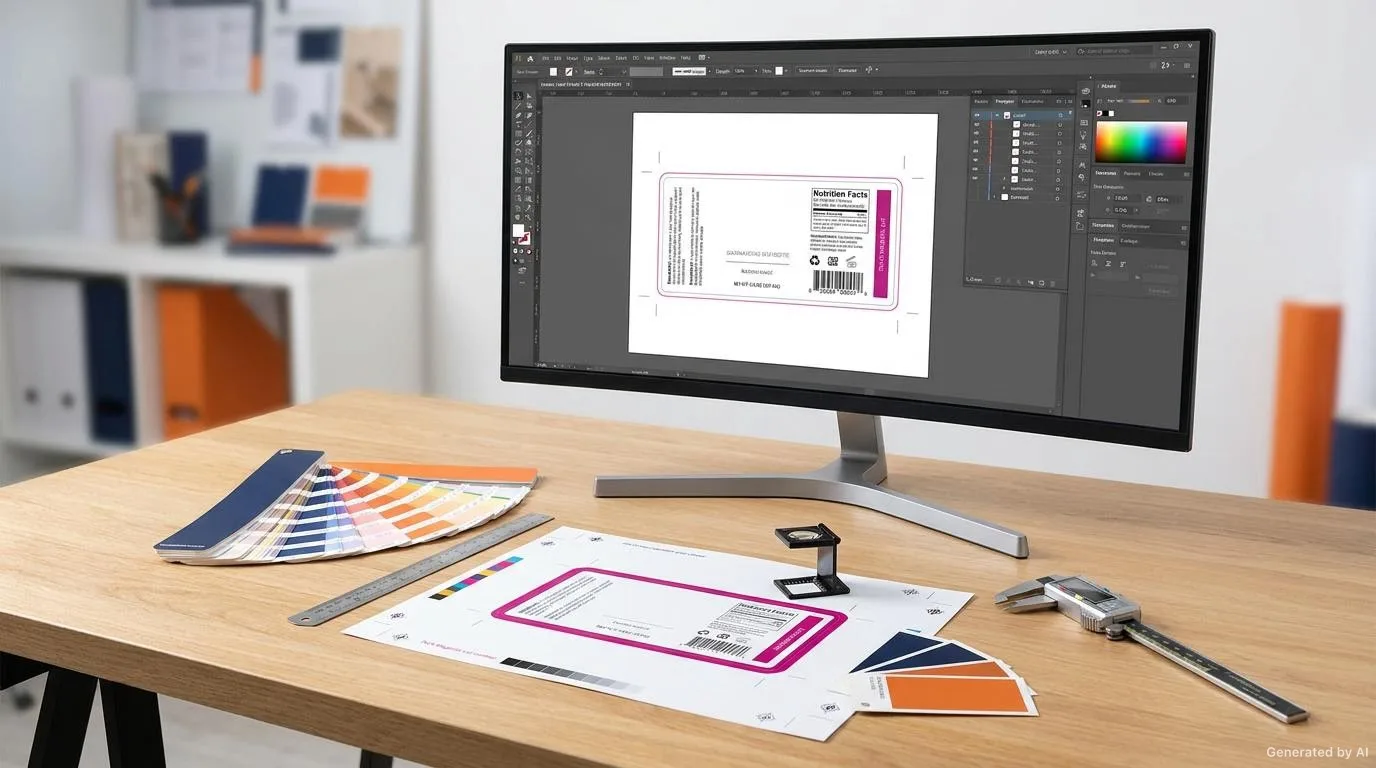
The file sent to print should be one in which the fonts are converted to vectors, the images are embedded, the correct colour profile is used and the bleed is defined. Merging layers, removing unnecessary effects and delivering the file at the expected size reduce uncertainty in production.
Comparison: Impact of the Mistake and Cost of Prevention
The following table lets you evaluate these ten mistakes together by the stage in which they appear, their typical result and how to prevent them. The aim is to help you prioritise the most risky points.
| Mistake | Stage It Appears | Typical Result | How to Prevent |
|---|---|---|---|
| Illegible text | Design | Information is missed | Minimum font size and distance testing |
| Low contrast | Design | Hard-to-read text | Increase tonal difference, add an outline |
| Wrong dimensions | Design / Application | Trimming, overflow, wrinkling | Measuring on the real surface |
| Insufficient margin | Design / Print | Edge trimming | Safe area and bleed |
| Faulty barcode | Print / Scanning | Scan failure | Quiet zone, size and testing |
| Incompatible material | Design / Material | Unexpected appearance | Material-suited design, sample |
| Information density | Design | Clutter, illegibility | Information hierarchy |
| Ignored environment | Material / Usage | Poor durability | Defining usage conditions |
| Colour management | Brand inconsistency | Colour profile and proof | |
| File preparation | Pre-production | Print error, delay | Print-ready file check |
Design Checklist
Reviewing the following items together before sending to print reduces surprises at the application point.
- All text is at a legible size.
- There is sufficient contrast between text and background.
- The label dimension fits the real surface.
- Sufficient margin and safe area are left from the edges.
- The barcode is in standard dimensions, with a full quiet zone and tested.
- The design is compatible with the material.
- The information density is balanced and hierarchical.
- The usage environment has been considered.
- Colour management is correct and a proof has been taken.
- A print-ready file has been delivered.
- The sample has been tested on the real product surface.
Conclusion
Mistakes in label design often stem from small details but have big consequences. By knowing these 10 common mistakes and applying the checklist, you can ensure your design is both aesthetic and functional. Pre-production sample testing is the most reliable way to detect potential issues. To explore the balance of colour and legibility in more depth, see our article on colour and legibility, and to choose the right material for your product, see the label selection guide.
Would you like to review your design together before production begins? Our team can assess your dimension, material and print decisions and suggest the most suitable approach. To discuss the options, reach us through our label solutions page.
Frequently Asked Questions
What should the minimum font size be on a label?
Rather than a fixed number, the reading distance and the font weight should be evaluated together. Setting a comfortably legible lower limit for critical information and approaching that limit for secondary text is a balanced approach.
Why does low contrast reduce legibility?
As the tonal difference between text and background decreases, selecting the letters becomes difficult, especially on matte or glossy surfaces and in weak light. Contrast can therefore be strengthened with the background tone or a thin outline without abandoning the brand colour.
What is needed for barcode legibility?
A sufficient quiet zone, adequate height and module width, and clear contrast are required. If the barcode falls on a curved surface, the reading angle should also be tested.
Why do screen and print colours differ?
Screens are light-based while print is ink-based, so the same colour code does not look identical in each medium. This is why taking a proof and, where needed, defining a brand colour with a special ink is useful.
What should be checked in a print-ready file?
Fonts should be converted to vectors, images embedded, the correct colour profile used and the bleed defined. Merging layers and delivering the file at the expected size reduce uncertainty in production.
Want to Determine the Right Label for Your Product?
Share your usage area and needs with us; let's evaluate suitable options together.